Beat Busters
A downloadable game for Windows
Feel the beat. Bust the enemies. Don't miss.
Beat Busters is a rhythm shooter built around one simple rule - shoot on the beat or don't shoot at all. Three lanes, three keys, and a relentless stream of enemies marching toward you in time with the music. Chain perfect hits to build your multiplier, keep your combo alive and rack up your highscore!
How It Works
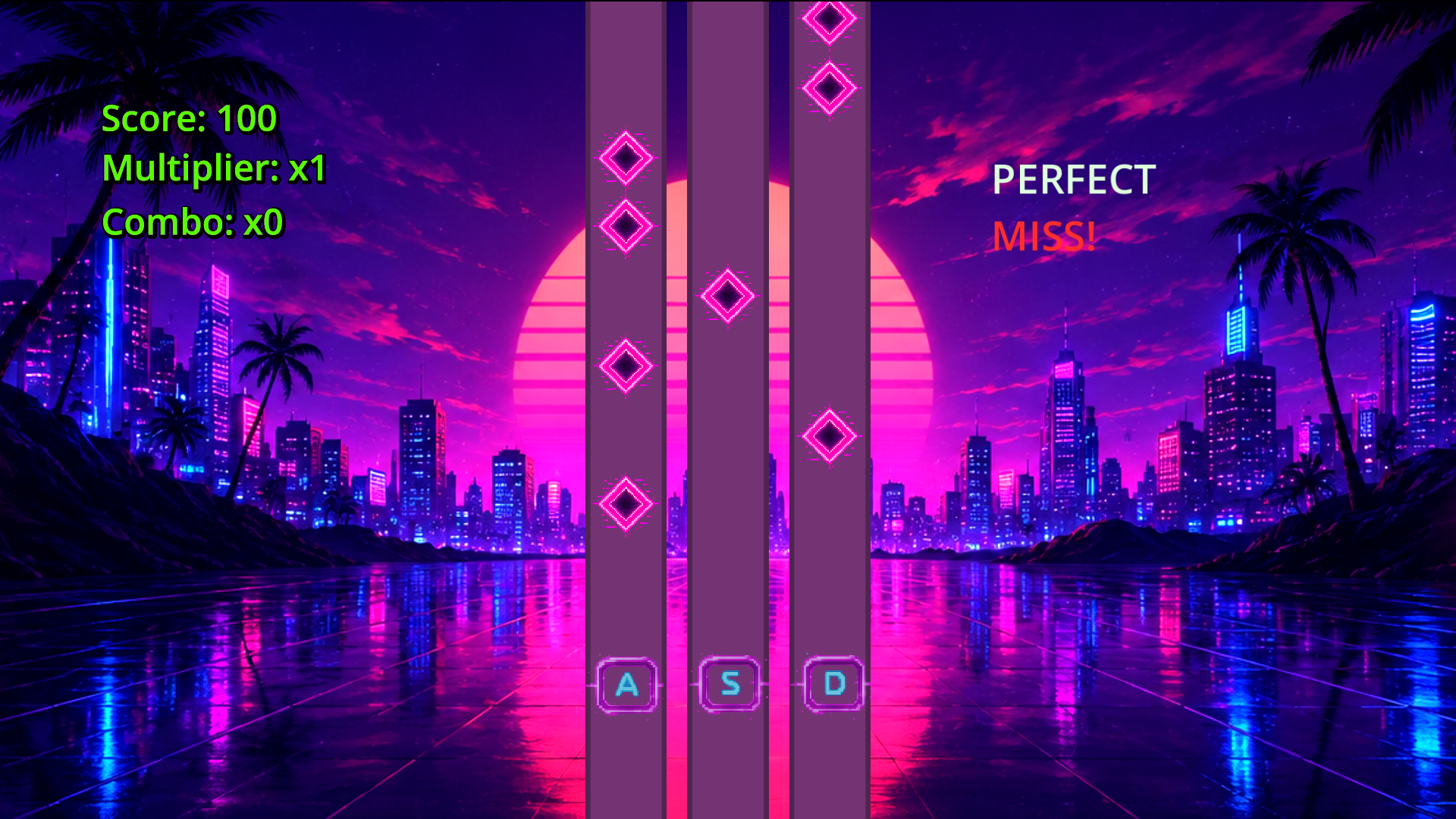
Enemies march down three lanes marked A, S, and D. Press the matching key to fire a laser into that lane to destroy them before they reach the bottom - but timing is everything. Shots fired off-beat won't connect, so you'll need to feel the rhythm, not just react to what you see.
Your timing is graded on every shot:
- 🟣 PERFECT — dead on the beat. Maximum points, combo keeps climbing.
- 🟡 GOOD — close enough. Solid score, combo intact.
- 🔴 MISS — off-beat. No damage, combo reset.
Features
- 🎵 Beat-synced gameplay driven by a fixed BPM clock
- ⚡ PERFECT / GOOD / MISS timing windows with combo multiplier
- 🔫 Per-lane laser effects with quality-reactive visuals
- 🎨 Synthwave aesthetic
- 🖥️ Resolution and fullscreen options
- 🎛️ Audio calibration tool to sync visuals with your specific audio device
- ♿ Toggleable beat flash for players sensitive to flashing visuals
About This Project
Beat Busters was built as a portfolio project to demonstrate end-to-end game development skills using the Godot Engine. The focus was on clean systems architecture, polished game feel, and attention to detail - from the beat detection logic and shader work to the settings system and installer packaging.
The project covers:
- Custom beat clock with audio offset calibration
- Shader-driven VFX (laser beams, CRT distortion, beat-reactive backgrounds)
- Decoupled singleton architecture
- Per-lane enemy queue system with hit detection
- Full settings persistence via ConfigFile
Built solo in less than a week as part of a technical application. Feedback is very welcome.
Controls
A
Shoot left lane
S
Shoot middle lane
D
Shoot right lane
ESC
Pause / Settings
Known Issues
- Resolution changes take effect immediately but may require a restart on some display configurations
- Certain UI elements may not scale correctly on certain display configurations
Made with Godot 4.7 — godotengine.org
Download
Install instructions
System Requirements
- OS: Windows 10 or later
- Processor: Any dual-core 2GHz+
- Memory: 512MB RAM
- Graphics: Any GPU supporting OpenGL 3.3 / Vulkan
- Storage: ~150MB
Installation
Windows may show a SmartScreen warning when launching the installer. This is because the application is newly released and unrecognised by Microsoft. Click More info then Run anyway to proceed. Beat Busters contains no malware.
- Download BeatBustersSetup.exe
- Run the installer and follow the on-screen steps
- (If Windows SmartScreen blocks it from running, select "more info" then "Run Anyway" to proceed)
- Accept the End User License Agreement when prompted
- Choose your install directory and click Install
- Launch Beat Busters from the desktop shortcut or Start Menu
First Launch
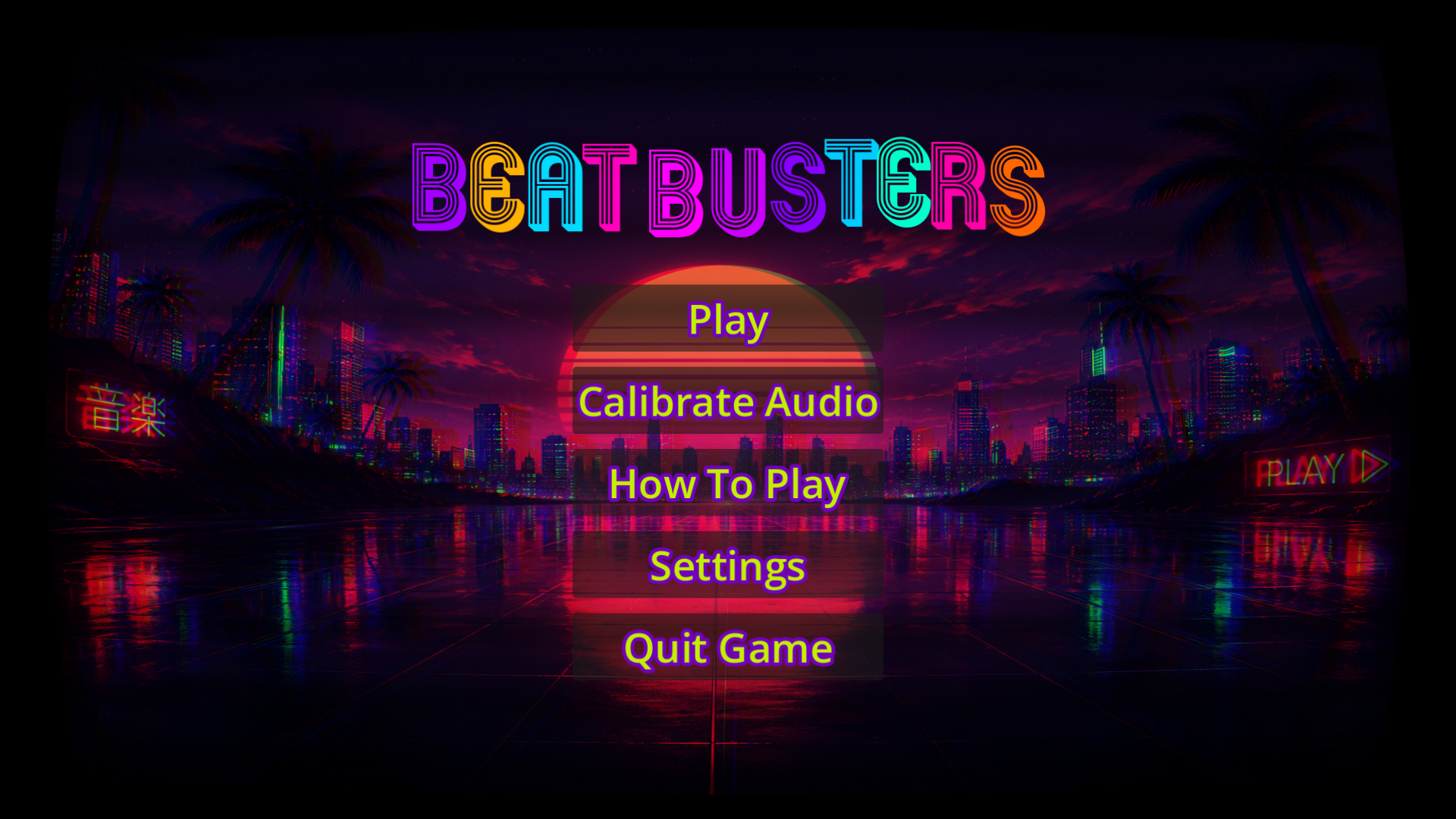
On your first run the How to Play screen will appear automatically - give it a read so you know what to expect. From the main menu, head into Settings → Calibration before your first game. The calibration tool takes about 15 seconds and makes a significant difference, especially if you're using external speakers or a Bluetooth headset.
Uninstallation
Beat Busters can be uninstalled via Settings → Apps in Windows, or by running Uninstall Beat Busters from the Start Menu folder. Your settings and calibration data stored in AppData\Roaming\Godot\app_userdata\BeatBusters will not be removed automatically - delete that folder manually if you'd like a clean uninstall.
Leave a comment
Log in with itch.io to leave a comment.